Screen 1
Welcome OPEN TO ALL
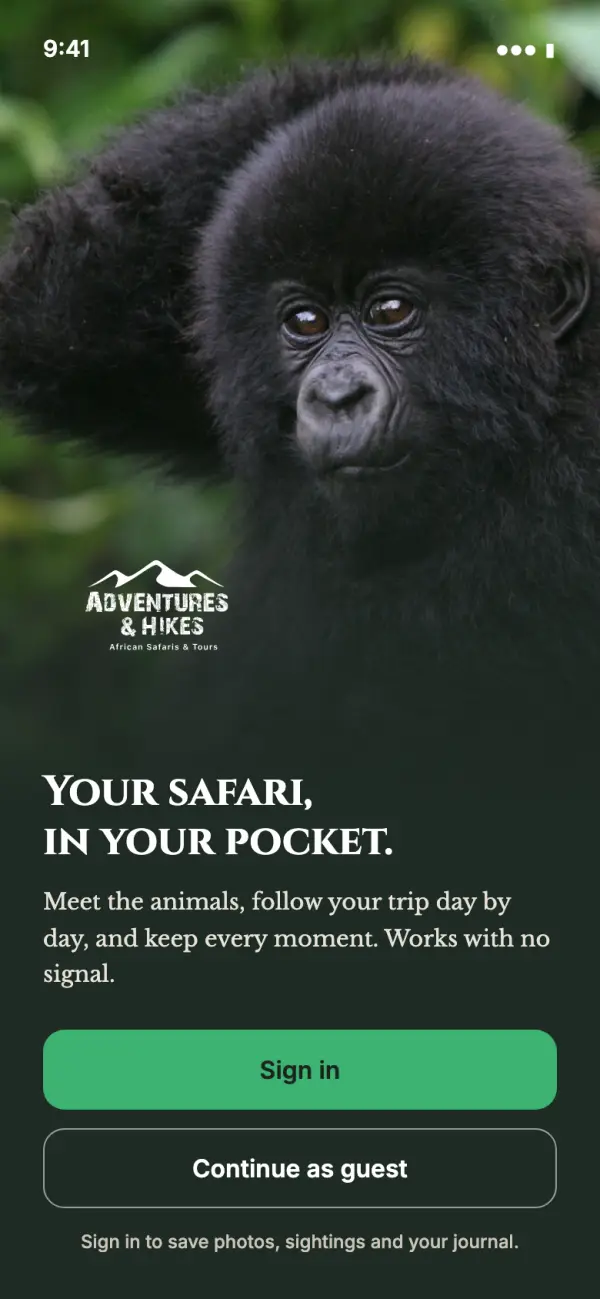
Two clear choices: Sign in or Continue as guest. Anyone can explore the app without an account. Signing in is only needed for the personal parts: photos, sightings and the journal.

Concept preview for Ben · October 2026
An iPhone and Android app your guests carry through the whole trip. It teaches them about what they are seeing, keeps their photos and memories in one place, and turns every proud share into an advert for Adventures & Hikes.
These are concept designs, not the finished app. Trip details, animal text and photos come from your website. Journal entries, names and sighting counts are examples.
The screens
Six screens from a gorilla trip. Everything is designed to work in the bush with no phone signal, because that is where your guests will be using it.
Screen 1
Two clear choices: Sign in or Continue as guest. Anyone can explore the app without an account. Signing in is only needed for the personal parts: photos, sightings and the journal.
Screen 2
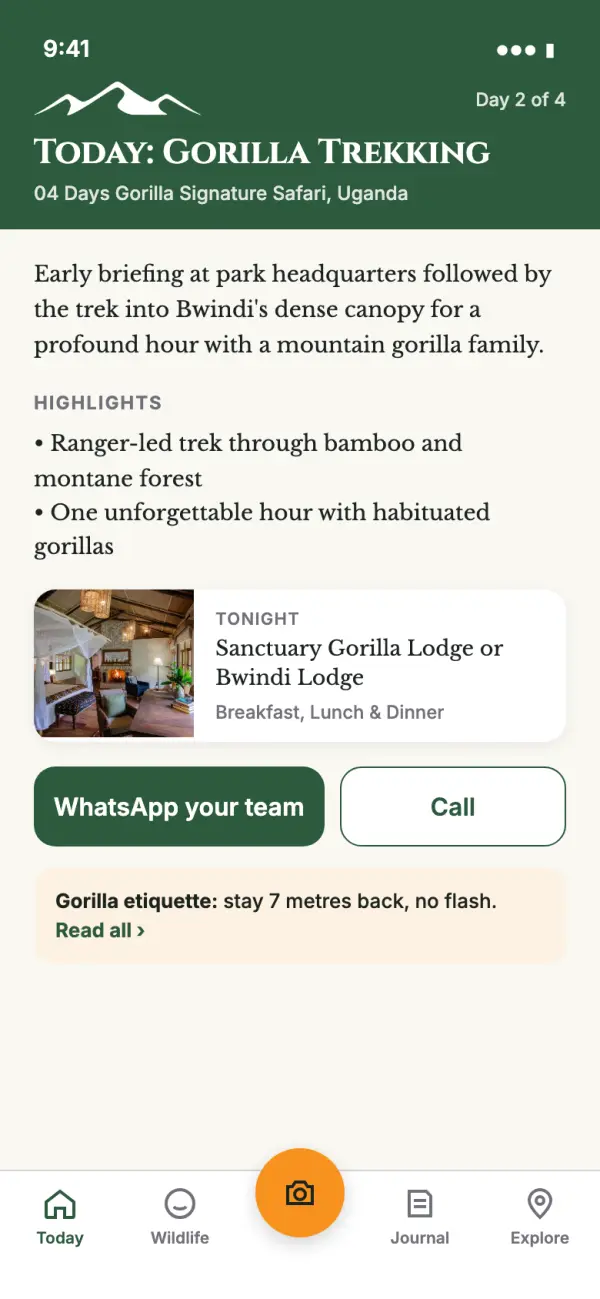
The day's plan from your own itinerary (this is Day 2 of the 4 Day Gorilla Signature Safari): what happens, tonight's lodge, the meals, and one tap to reach your team on WhatsApp or by phone.
Screen 3
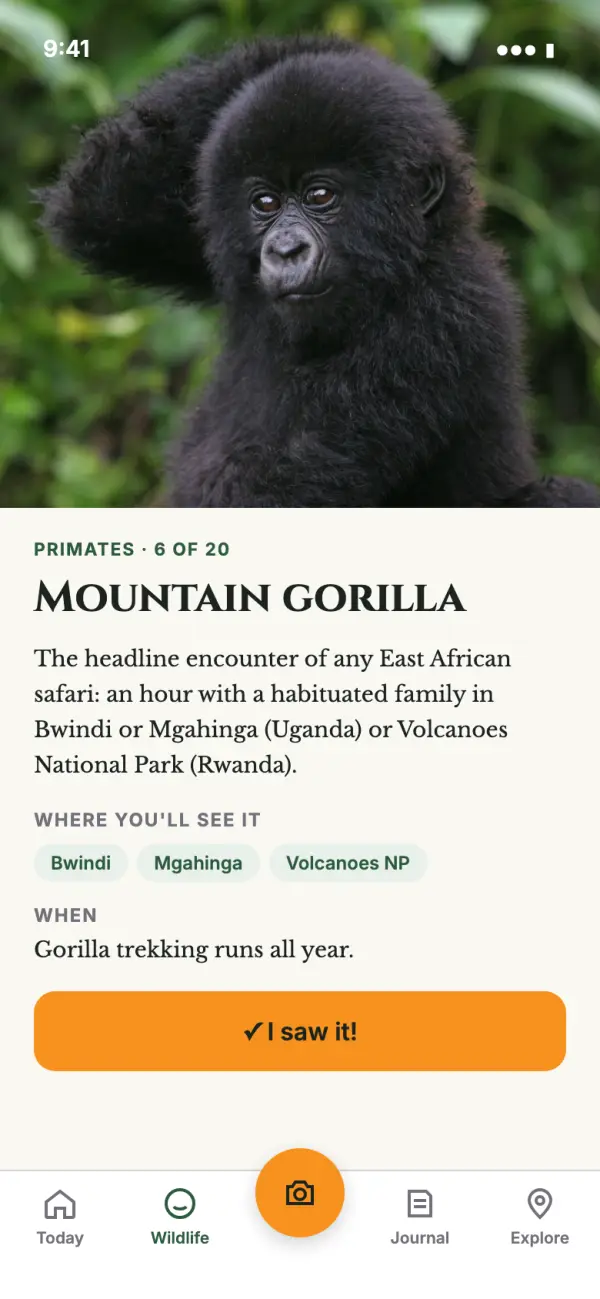
A page for each of the 20 animals on your website, in your words: where to see it and when. Guests read it while the animal is in front of them, with no signal needed.
Screen 4
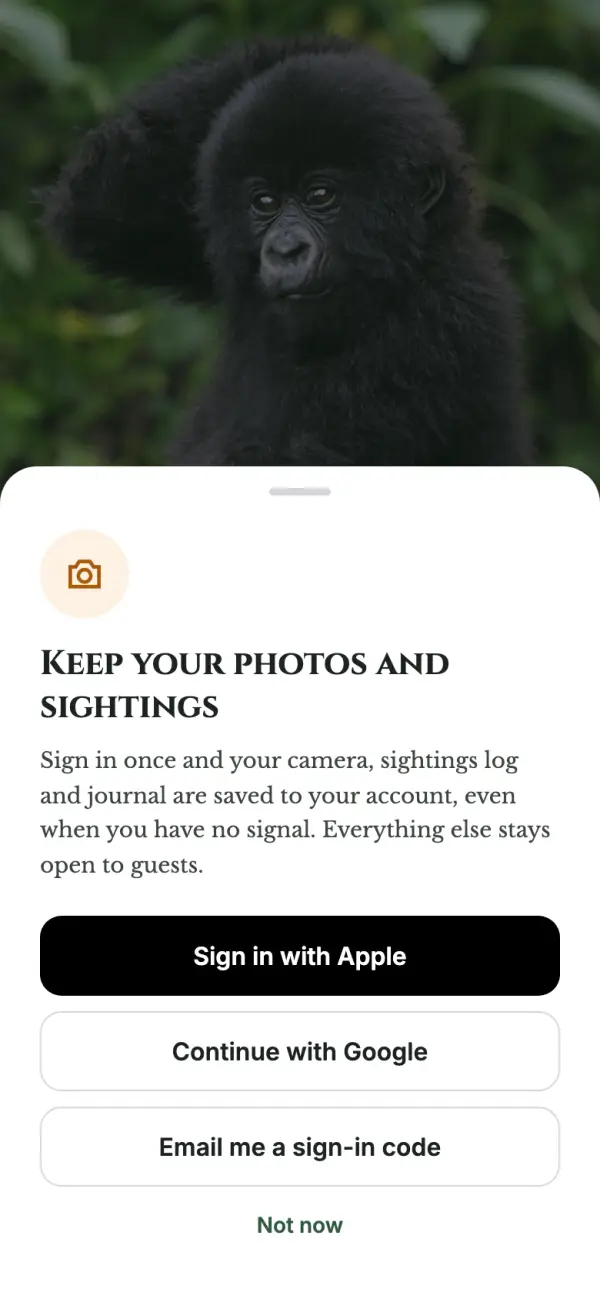
If a guest taps the camera or "I saw it", the app explains why an account helps and offers Apple, Google or an emailed code. "Not now" takes them straight back. Nobody is forced to sign up to read the guide.
Screen 5
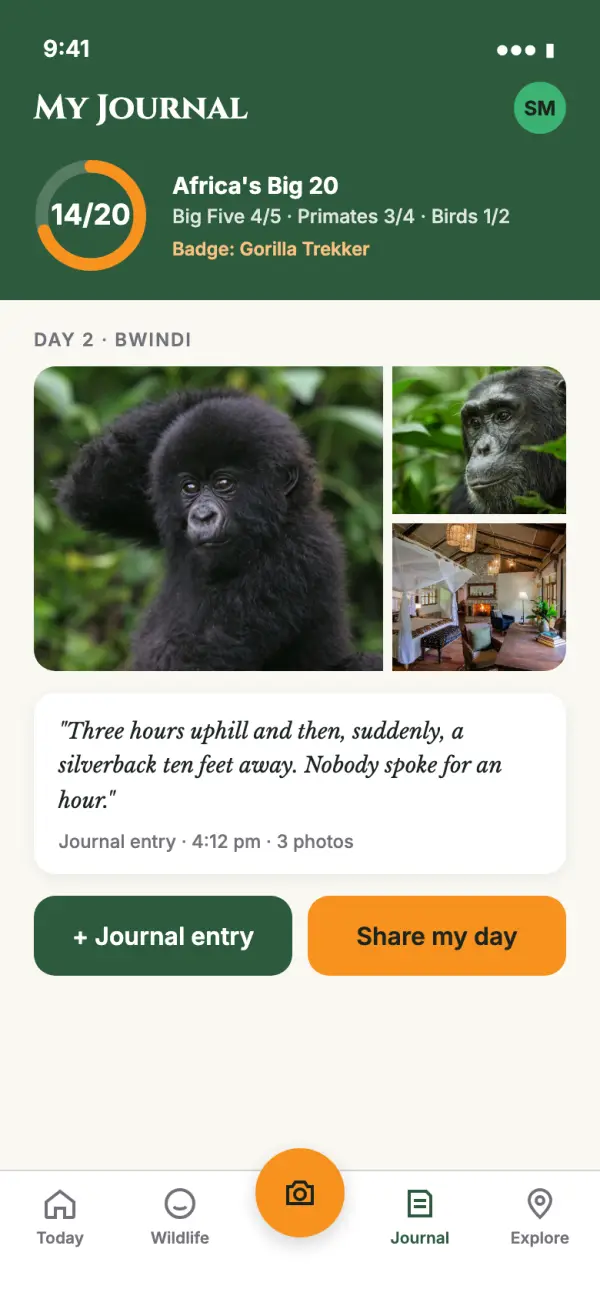
Their photos grouped by day, short written entries, and progress on "Africa's Big 20" with badges along the way. It is saved to their account, so it is still there after they fly home or change phones.
Screen 6
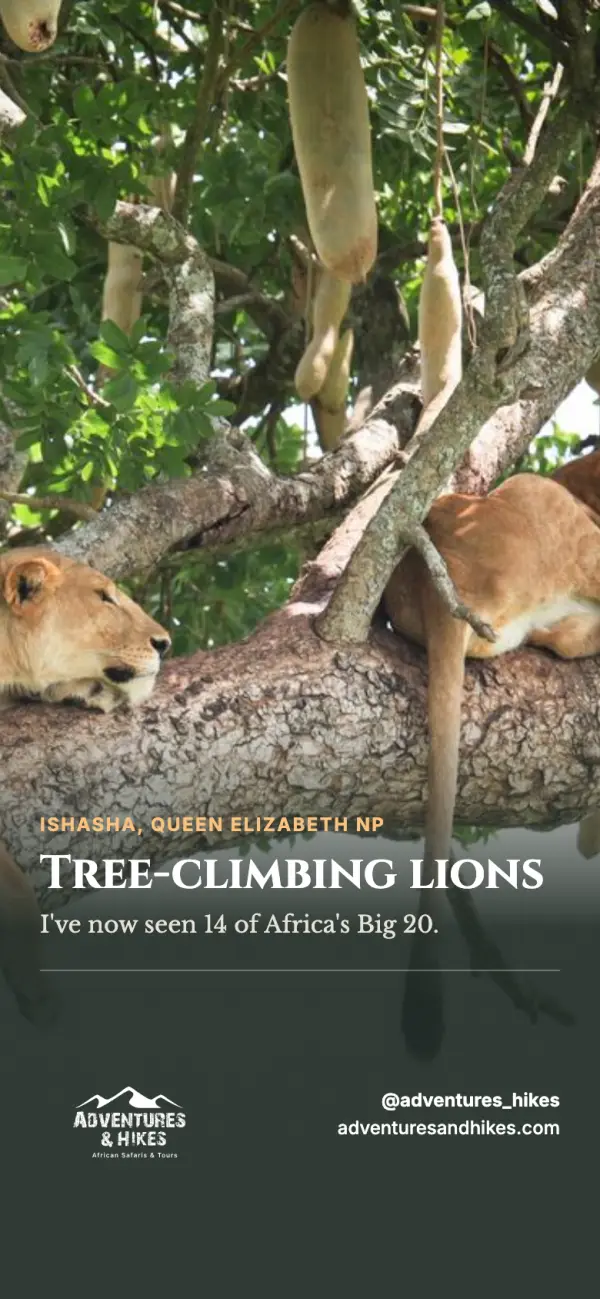
One tap turns a guest's photo into a polished post for Instagram, Facebook or WhatsApp, with your logo, @adventures_hikes and your web address on every one. This is the part that markets Adventures & Hikes.
Guest or sign in
Most of the app works for anyone, signed in or not. Only the pages that hold a guest's own memories need an account, so those memories are kept safe and can follow them home.
Sign in with Apple, Google or an emailed code. Guests can delete their account from inside the app at any time, which Apple and Google both require.
The guide, maps and itinerary are stored on the phone. Photos and journal entries save instantly on the phone and upload later, on Wi-Fi at the lodge, so guests never lose a picture and never burn through mobile data.
Signing in needs a connection once. The app will gently remind guests to sign in at home or at the airport, before they head into the parks.
Your brand
We used your logo, colours and typefaces straight from your website, so the app and the site feel like one company.
Forest greenMain colour, buttons, headings
Adventure greenHighlights
Sunset orangeCamera and "I saw it"
Text stays in forest green or dark ink so it is easy to read in bright sun. The lighter green and orange are used for buttons and accents, where they shine.
Cinzel for headings and Libre Baskerville for reading, the same pair as your website.
This is what sits on your guests' home screens. Both use the mountains from your logo.


We recommend C: the orange sun stays clear even at the tiny sizes phones use.
Next steps
A few decisions unlock the build. The first one takes the longest, so it is worth starting now.
We recommend publishing under Adventures & Hikes itself so the app is yours. Apple and Google both need a free D-U-N-S number for the business first. Apple charges $99 a year and Google $25 once, paid to them directly. We will walk you through it.
Option C or Option D above, or tell us what you would change.
Your website uses +256 393 254 026 and your email signature uses +256 772 863 446. Which one should the app use?
Local dishes, phrases, customs and tipping guidance should come from your team, not from us. We also need someone to record the phrases so guests can hear them spoken.
Please confirm the photos on your website are yours to use in the app, or tell us which ones are not.
One short hashtag we add to every share card, so you can find and reshare your guests' photos.
And no invoice is coming for any of this. It is family helping family.